Verdict
CapCut is the default editor for short social clips in the UK, sitting at number 1 in the App Store's Photo and Video free chart, and its templates and auto-captions turn phone footage into a finished reel quickly. Through 2026 more basic tools moved behind paid plans, with Pro listed at £21.99 a month, and user is full of users leaving over it. The privacy policy allows content and usage to train ByteDance's models, with no opt-out offered.
Privacy note. Policy allows training ML models on usage and content with no opt-out (capcut.com/clause/privacy); June 2025 licence row (TechRadar)
Best for
Quick TikToks and reels with captions and templates
Skip if
Anyone wary of ByteDance data use or rising subscription prices
Key facts
- Category
- Video making & editing
- Made by
- ByteDance (Bytedance Pte. Ltd.)
- Based in
- Singapore (parent ByteDance, China)
- Launched
- 2020
- Works on
- iPhone, Android, Web, Windows, Mac
- In the UK
- Yes
- Price from
- £21.99 a month
- Free plan
- Free plan with free templates and basic editing tools; individual reviewers report exports above 720p and features like extract audio moving behind paid tiers in some regions during 2026
Pricing
| Plan | Price | Billed |
|---|---|---|
| Pro | £21.99 | month |
| Ultra | £58 | month |
| Teams (per seat) | £13.49 | month |
What it does
- edits video on phone, desktop and web
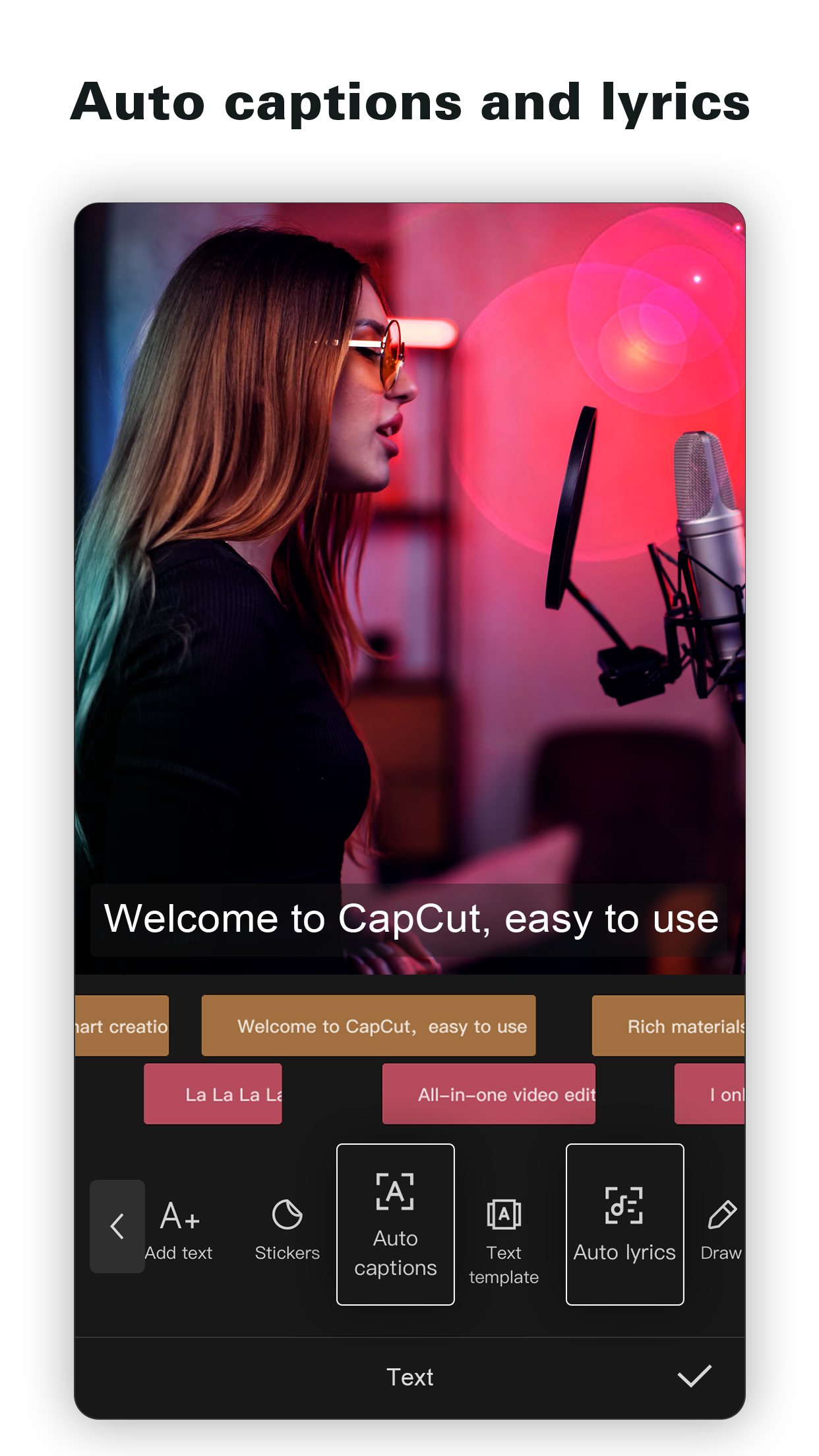
- adds auto-generated captions
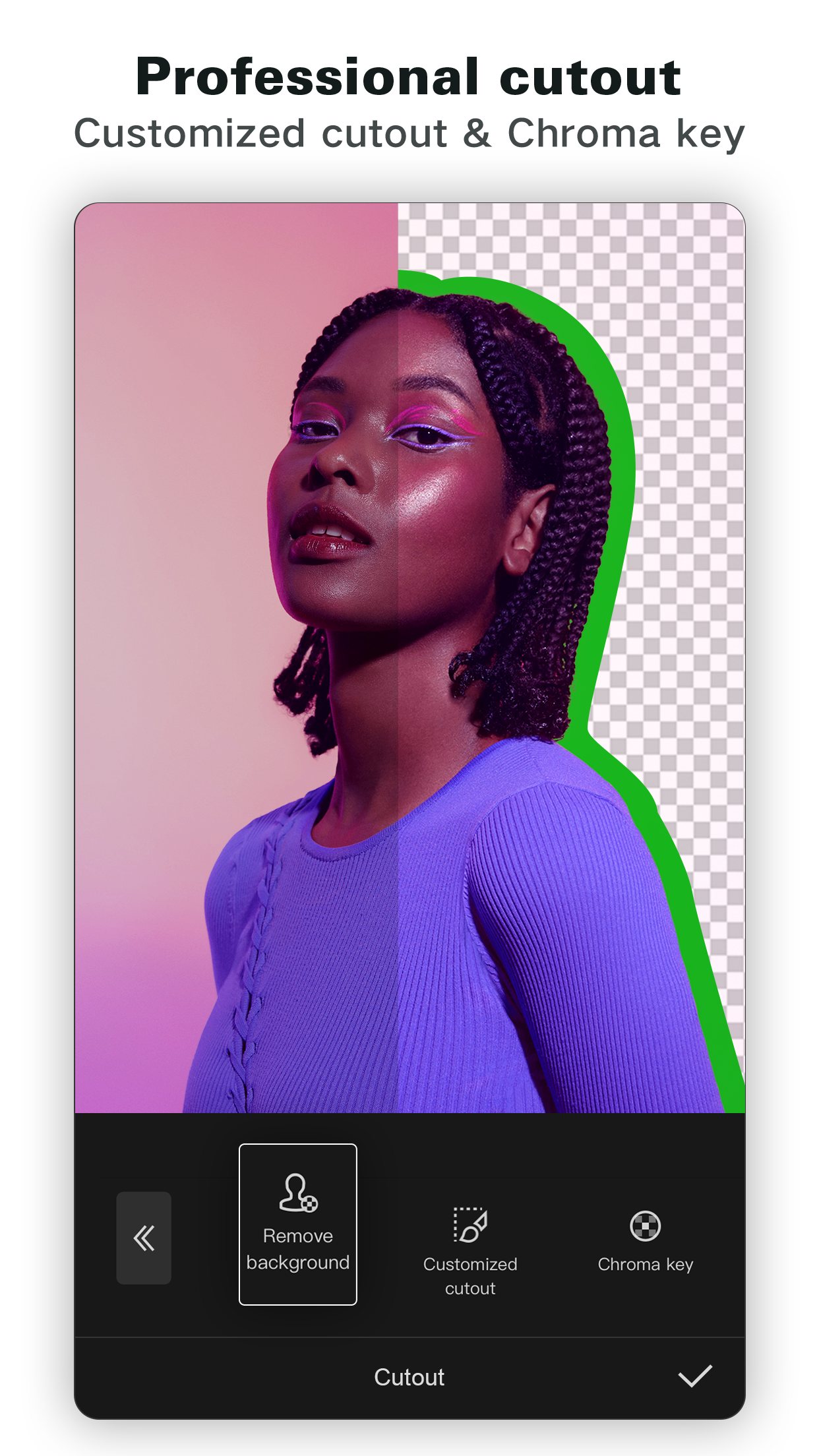
- removes backgrounds and edits by transcript
- turns long videos into short clips
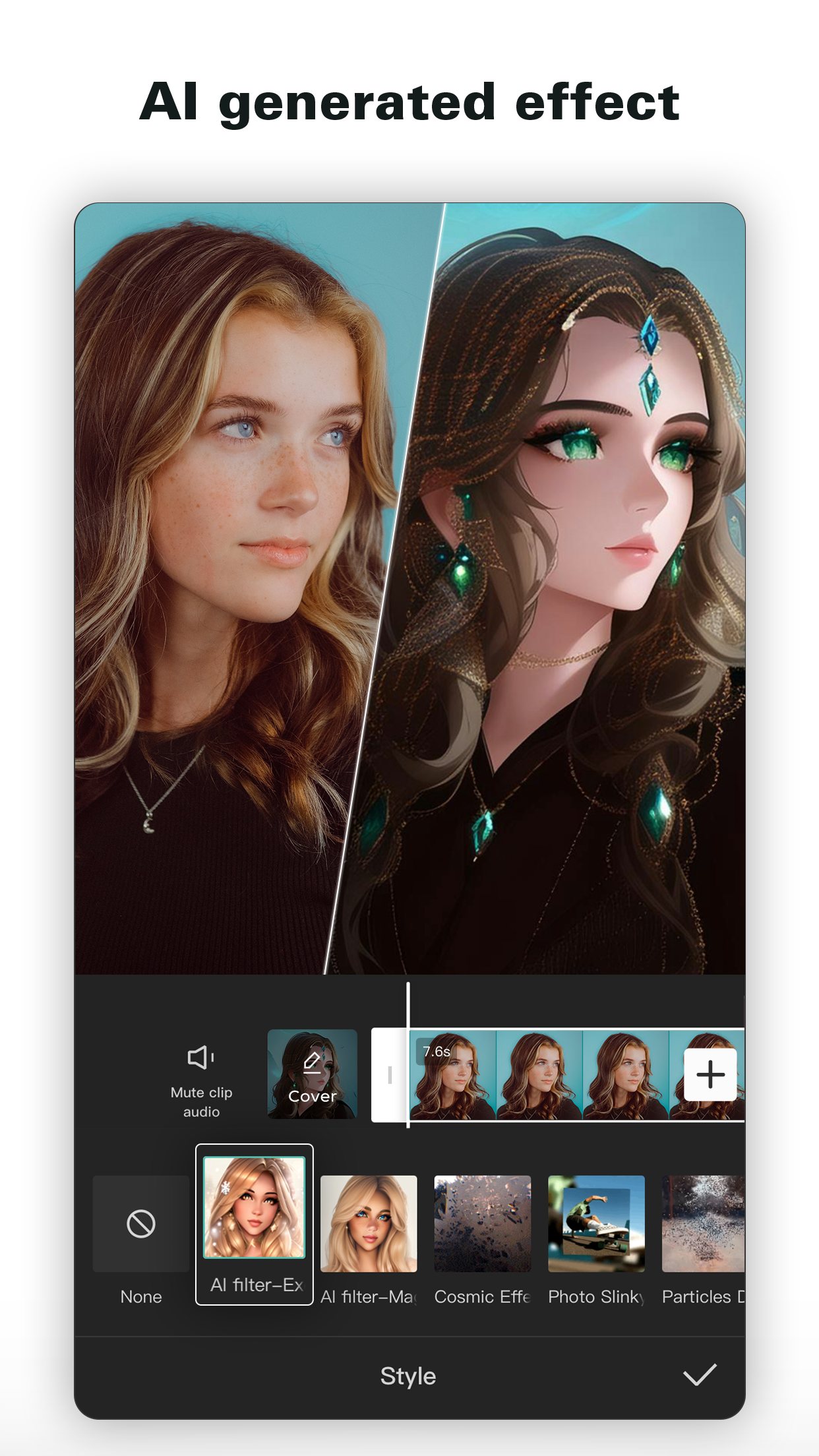
- generates video, voices and dubbing with AI
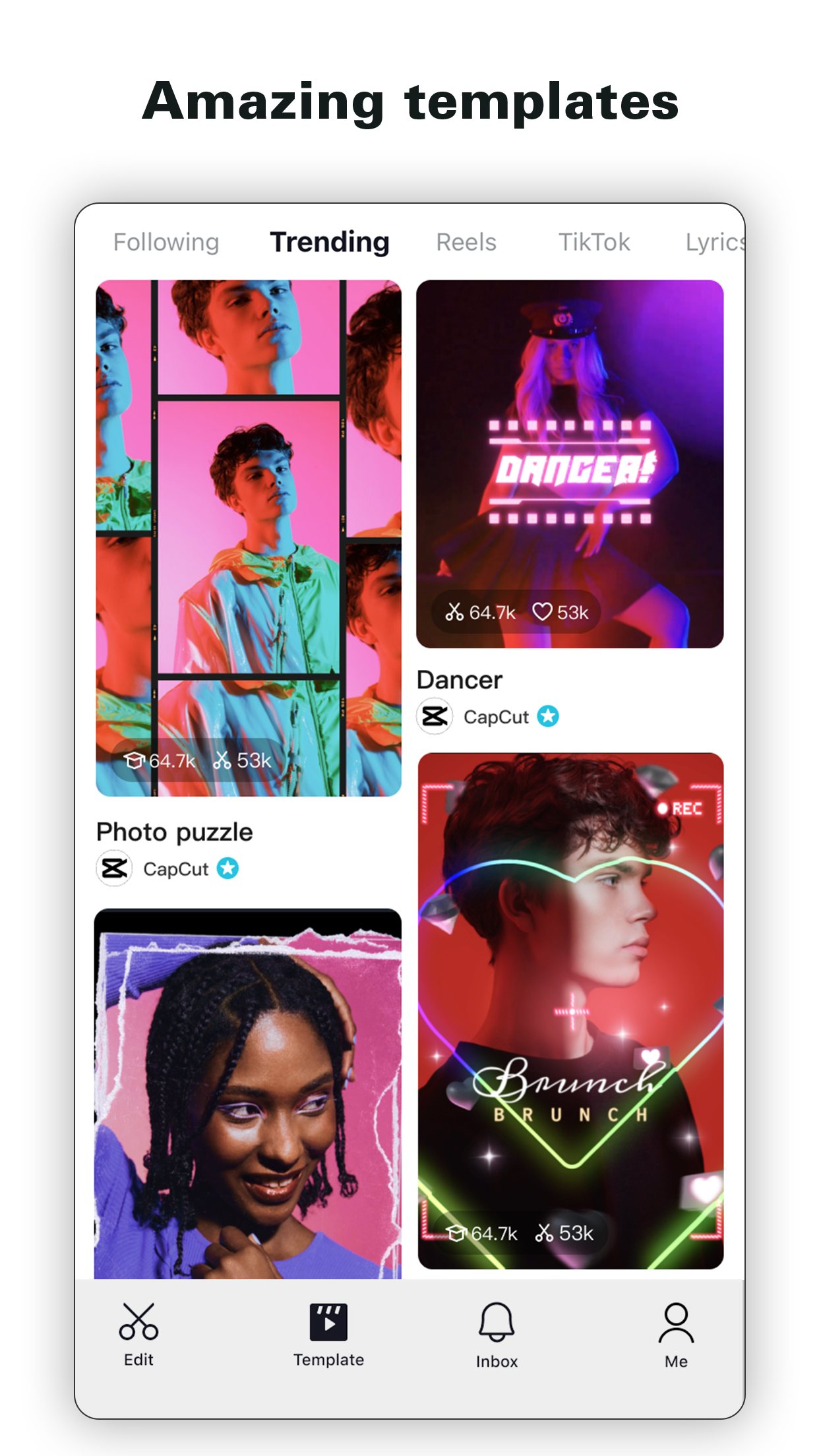
- offers templates for TikTok, YouTube and Instagram
Ratings
What people say
Users still credit CapCut with making phone editing easy, but user threads from July to September 2026 are dominated by anger at basic features and higher export resolutions moving behind paywalls. The UK App Store score (4.57 from 178,774) is far kinder than Google Play (3.6), Trustpilot (1.2 from 1,334) and user reviews. Many upbeat X posts in 2026 repeat the same Seedance-in-CapCut sales lines and look promotional.
“I’ve always been a CapCut guy. Auto-captions, ready-made effects, getting a decent edit done on my phone, it made the whole thing easy.”
Individual user review, 4 October 2026 · source

“CapCut is a solid choice for quick edits. It’s super user-friendly and has all the features you need for text, music, and clips without overcomplicating things.”
Individual user review, 1 October 2026 · source

“If you want to export in 1080p, it’s $9.99/month. 2K or 4K = $19.99/month.Only 720p in the FREE version.It was free to export in 4k before. What a joke.”
Individual user review, 29 August 2026 · source

“I’m so sick of CapCut slowly sneaking every single basic feature behind a paywall.”
Individual user review, 7 July 2026 · source

“it gets SO glitchy halfway through editing that i have to close the app and hope it starts working again.”
Post on X, 24 July 2026 · source

Press reviews
- TechRadar 2025-10-20
Named best free video editing app; tailored to TikTok and Instagram with a good toolkit, but portrait editing only and tiny icon labels.
- TechRadar 2023-12-04
4/5; 'a surprisingly powerful video editing app' that is easy to use with many free tools, though it demands full Photos library access (older review, before 2026 paywall changes).
- TechRadar 2025-06-22
Explains the June 2025 terms update granting CapCut a broad licence over user content, face and voice, and what users should know.
- Tom's Guide Not stated
Step-by-step guide to CapCut templates; notes Tom's Guide's own TikTok account edits with CapCut.
Privacy
- Trains on your data
- Yes. The UK privacy policy (updated 15 Apr 2026) says CapCut uses information to 'train, test, and improve technology, such as machine learning models and algorithms, including by analysing how people are using the Services'. User Content includes uploaded videos, prompts and AI outputs.
- Opt-out
- No AI-training opt-out found in the policy; UK users can object to legitimate-interest processing via the Data Subject Request webform or the UK GDPR representative (Cosmo Technology, London)
- Retention
- Varies by data type and purpose (no fixed period stated); Cloud Space uploads deleted on request; face and body information used for effects is deleted after the effect is applied
- Incidents
- June 2025: revised terms of service granted CapCut a worldwide, royalty-free licence over user content including face and voice, criticised by TechRadar and others; CapCut said its user-content terms had not changed. Jan 2025: CapCut was pulled from US app stores under the US TikTok divestment law and returned within days. Data stored on servers in Malaysia, Singapore and the US. No UK fine found in web searches.
- Age limit
- 13+ (policy: not intended for children under 13; App Store age rating 13+)
Official videos
- Introducing: AI Editing, the CapCut Way 2025-08-20
- Dreamina Seedance 2.5 Is Now on CapCut | Create and Transform Videos with AI 2026-07-31
FAQ
Is CapCut free?
There is a free plan with templates and basic editing. Pro costs £21.99 a month on the UK pricing page, and in 2026 users reported higher-resolution exports and some basic tools moving behind paid tiers.
Is CapCut safe to use?
It is made by ByteDance, TikTok's owner. Its privacy policy says content and usage can be used to train machine learning models, data is stored in Malaysia, Singapore and the US, and a June 2025 terms update drew criticism for the broad licence it takes over user content.
Does CapCut work in the UK?
Yes. It is on the UK App Store and Google Play, and was number 1 in the UK App Store's Photo and Video free chart on 10 October 2026.
What age do you have to be to use CapCut?
The privacy policy says it is not intended for children under 13, and the App Store rates it 13+.
CapCut or Instagram Edits?
CapCut has more effects, templates and a desktop app. Edits is free with no watermark and 4K export, but it needs an Instagram account and is aimed at making Reels.
Scores are based on published evidence, not lab tests. How we score.
Similar tools

Edits (Instagram)
Instagram's free phone video editor for Reels, with captions, cutouts, a teleprompter and AI restyle effects.

InShot
Simple phone video editor for trimming clips, adding music and text, with auto captions and a few AI effects.

Google Flow
Google's AI video studio on phone and web, turning a typed idea or a photo into short clips with sound using its Veo 3.1 and Omni models.

Captions
Phone app that captions and auto-edits talking-to-camera videos, with AI dubbing, eye-contact fixing and avatars.